OpenDRIVE editor in your browser
Open, edit and save ASAM OpenDRIVE® road networks (.xodr) without installing anything: roads, lanes,
junctions, road markings and signals, traced over aerial imagery.
- Currently free of charge
- No install
- No account needed to edit; sign in to download the file
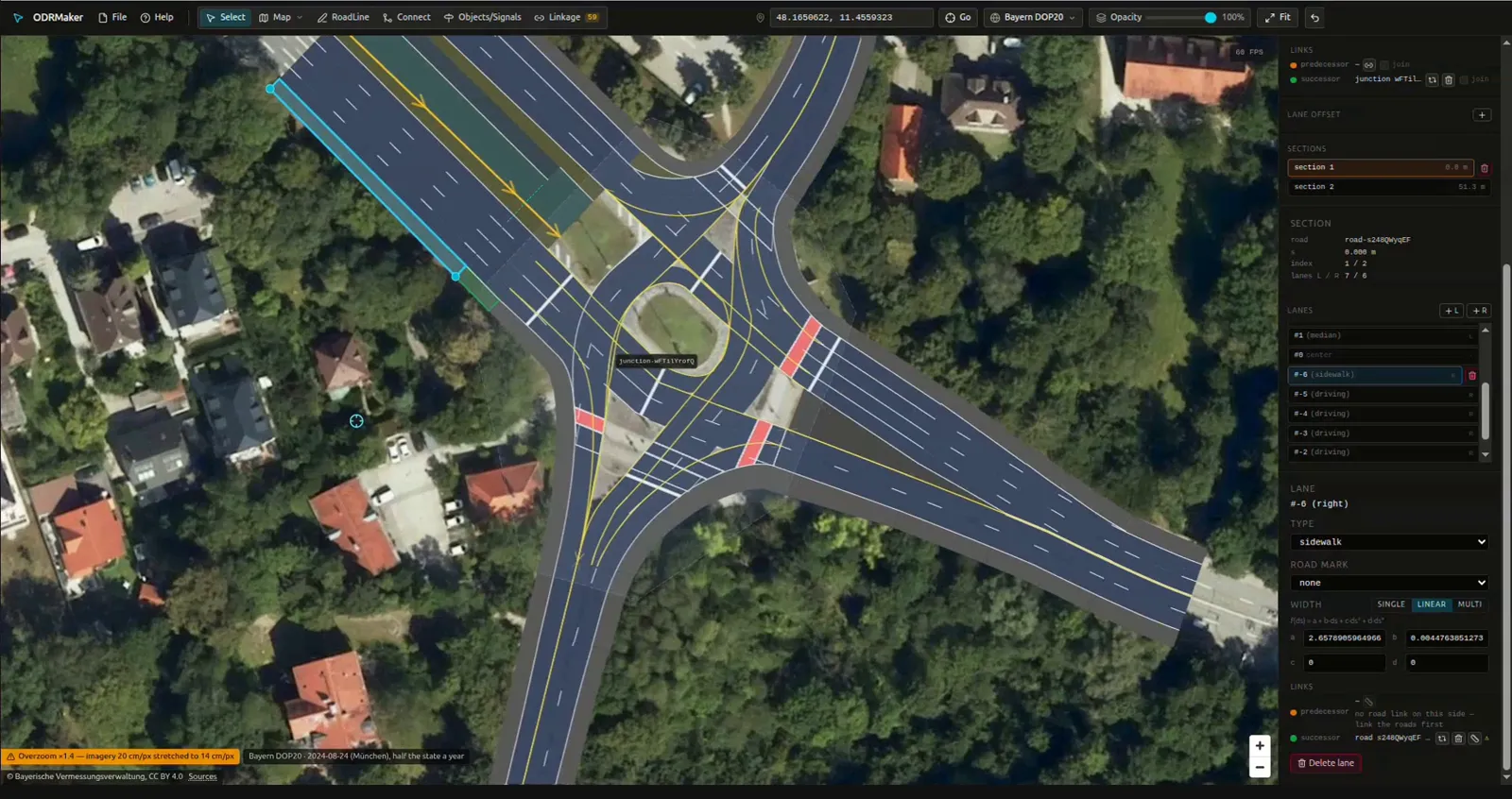
What you can do
- Bring your own file. Open a
.xodrmade in another tool. Roads, lanes, junctions, objects and signals come back unchanged when you save. What the editor does not support yet is listed before the map loads. - Draw roads over aerial imagery. Lines, arcs, spirals and curves shaped with handles, traced over open imagery from national mapping agencies in 11 countries, among them Czechia, France, Germany, Italy, the Netherlands, Japan and the United States. The full list, with each source's licence, is on the Licences page.
- Shape lanes. A width per lane, constant, linear or changing along the road; lane sections where the layout changes; a lane offset; lane types and road marks.
- Build junctions. Pick two lane ends and a connecting road appears. A map can hold several junctions, and the links between roads and lanes are filled in and checked as you go.
- Place road markings. Stop lines and crossings straight from a lane's menu. Objects and signals from the file are kept.
- Keep your work. The draft stays in your browser between visits, so a closed tab does not lose the map.
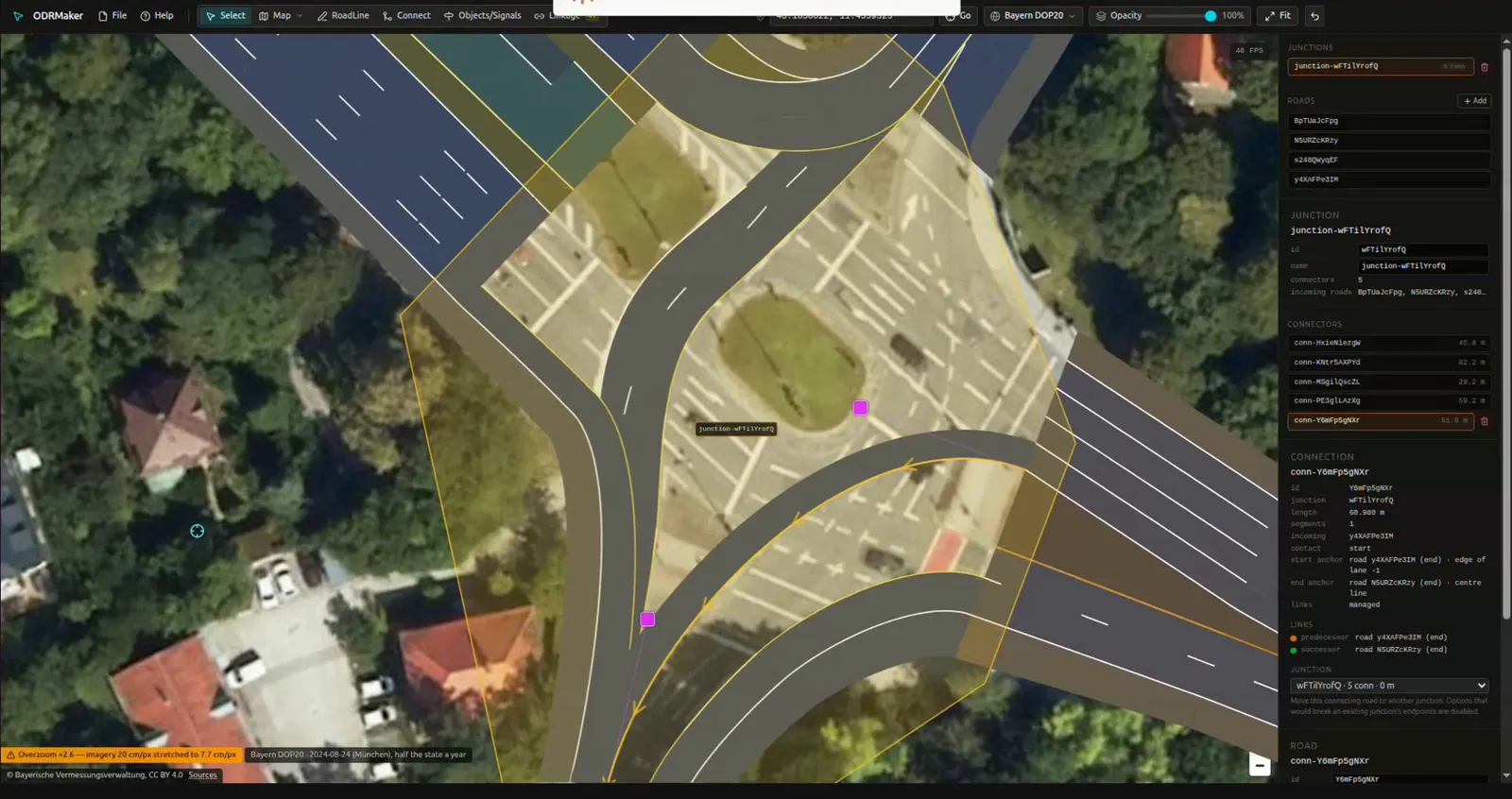
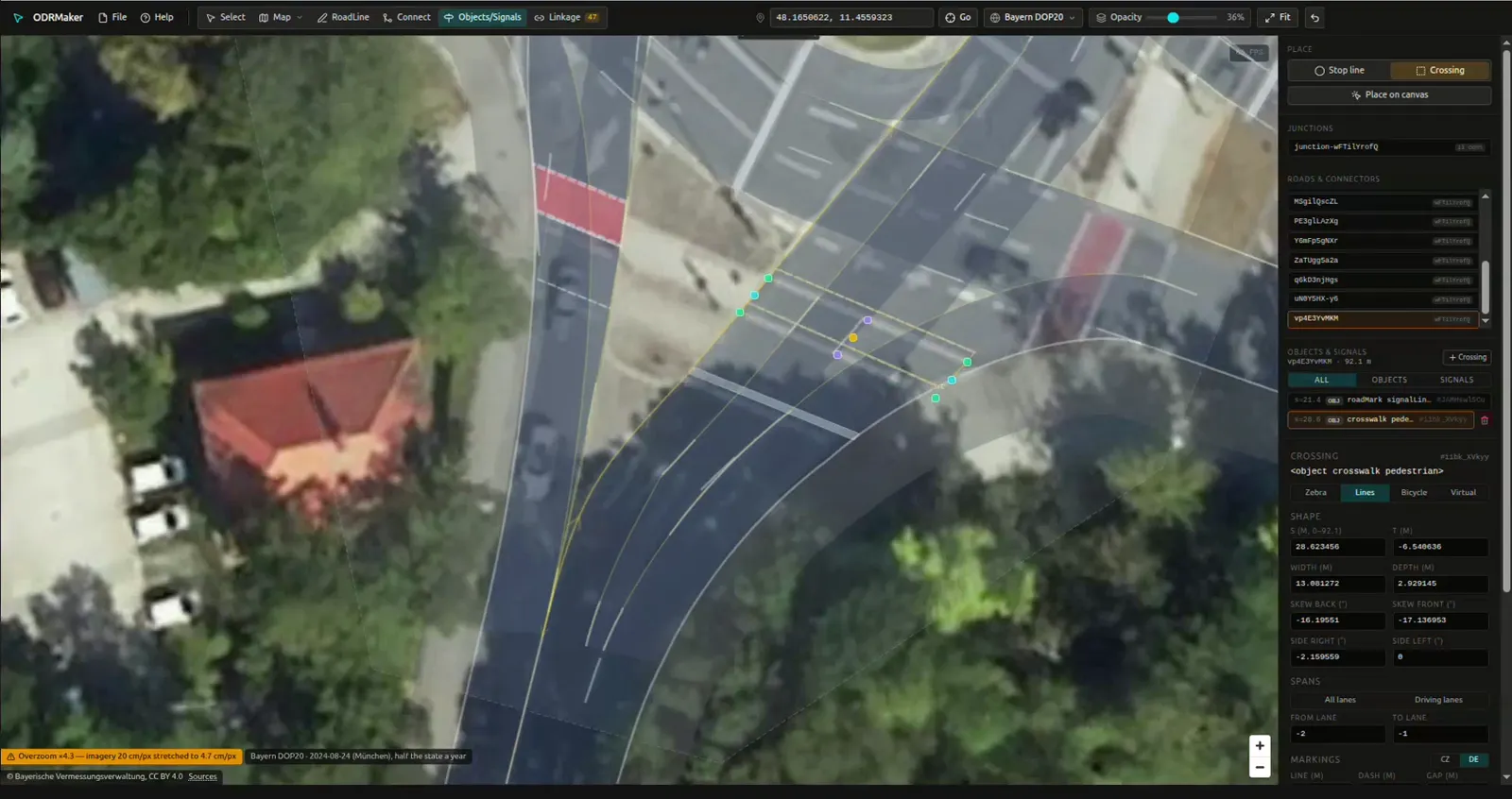
See it in action
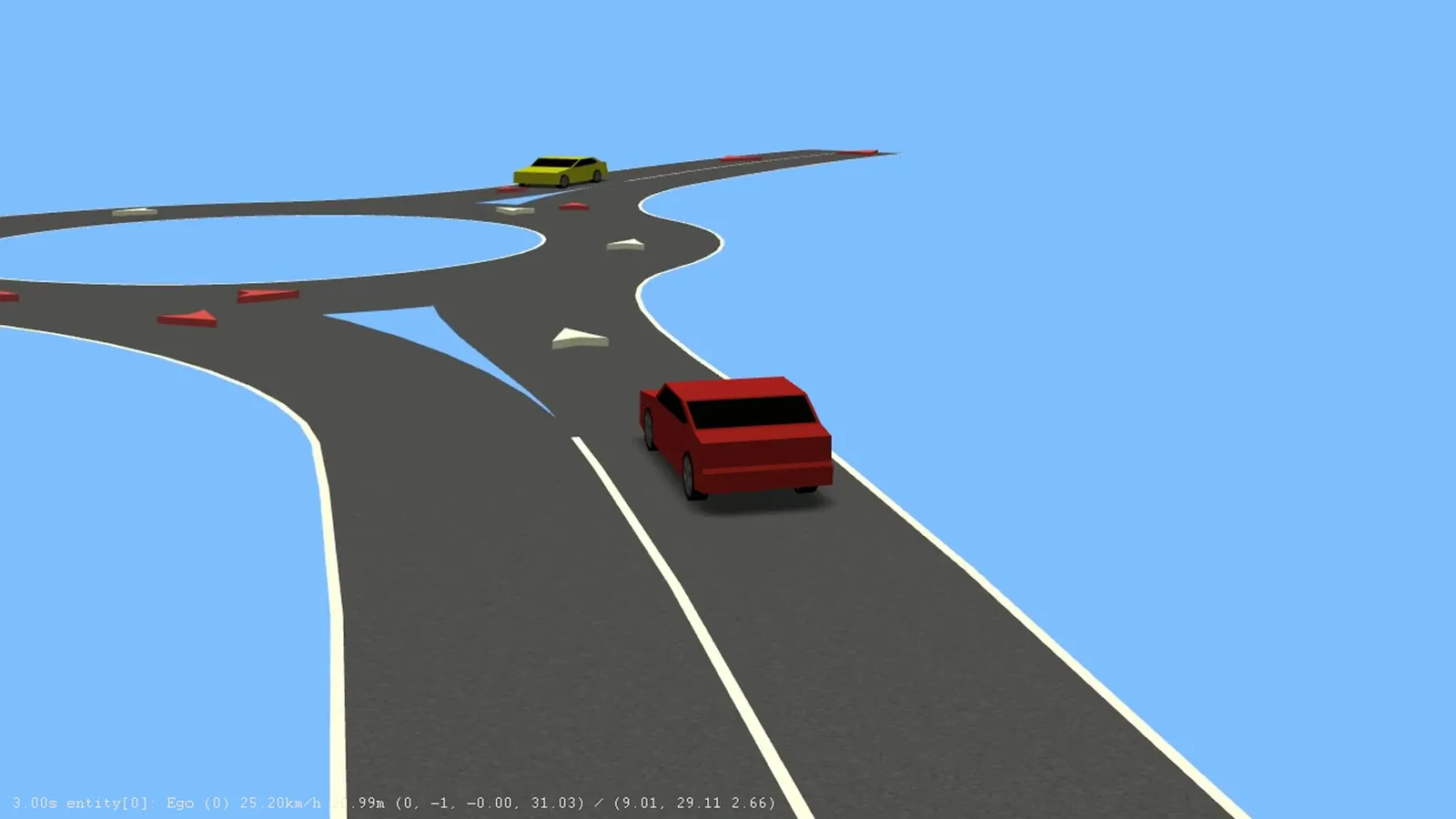
From the editor to your simulator
Saves standard OpenDRIVE 1.8. The canvas is checked against esmini 3.8.1, so a map looks the way esmini draws it.
CARLA and CarMaker read OpenDRIVE files too. ODRMaker does not keep elevation yet, so a hilly CARLA town comes back flat after saving.
How it compares
As of November 2026.
- Choose RoadRunner if you need 3D scenes, elevation and scenarios, and have a MathWorks licence.
- Choose Truevision Designer for CARLA maps with elevation.
- Choose LaneMaker for an open-source tool to sketch new networks and simulate traffic.
- Choose ODRMaker to open an existing
.xodrin the browser, fix lanes, junctions, markings and signals, and save it back without installing anything.
RoadRunner is a trademark of The MathWorks, Inc. Other product names belong to their owners. ODRMaker is not affiliated with any of them.
Questions
Is ODRMaker free?
The Terms of Service say that the service is currently free of charge, and that paid plans, if they are introduced, will come with additional terms that you see and accept before you pay.
Do I need an account?
Not to edit: every tool, opening files and the draft in your browser work without one. Downloading the .xodr file
is the one step that needs you to sign in. The account is your email address and nothing else; see the
Privacy Policy.
Is my map uploaded anywhere?
Your map stays in your browser: it is opened, edited and saved there and is never uploaded to our server.
Which OpenDRIVE versions are supported?
ASAM OpenDRIVE 1.8.1. Files that declare another revision are read as far as they match it, and every file is saved as 1.8. What the editor reads, converts and drops is listed in OpenDRIVE Support.
Does it work with CARLA, esmini and CarMaker?
The editor saves standard OpenDRIVE 1.8, and its canvas is checked against esmini 3.8.1. CARLA and CarMaker read OpenDRIVE files; ODRMaker does not keep elevation yet, so a hilly CARLA town comes back flat after saving.
Where do I start?
Open one of the Example Files, or follow Build a Junction from Scratch, about fifteen minutes.